Enter Business & Vehicle Information
Enter your business name, EIN, address, and vehicle details, including the VIN, taxable gross weight, and first-used month. Mark eligible vehicles as tax suspended.
 IRS-Authorized

File your Form 2290 with 2290.US in three simple steps.
Enter your business name, EIN, address, and vehicle details, including the VIN, taxable gross weight, and first-used month. Mark eligible vehicles as tax suspended.
Review your details, choose an IRS payment method for any HVUT due, and submit your Form 2290 electronically.
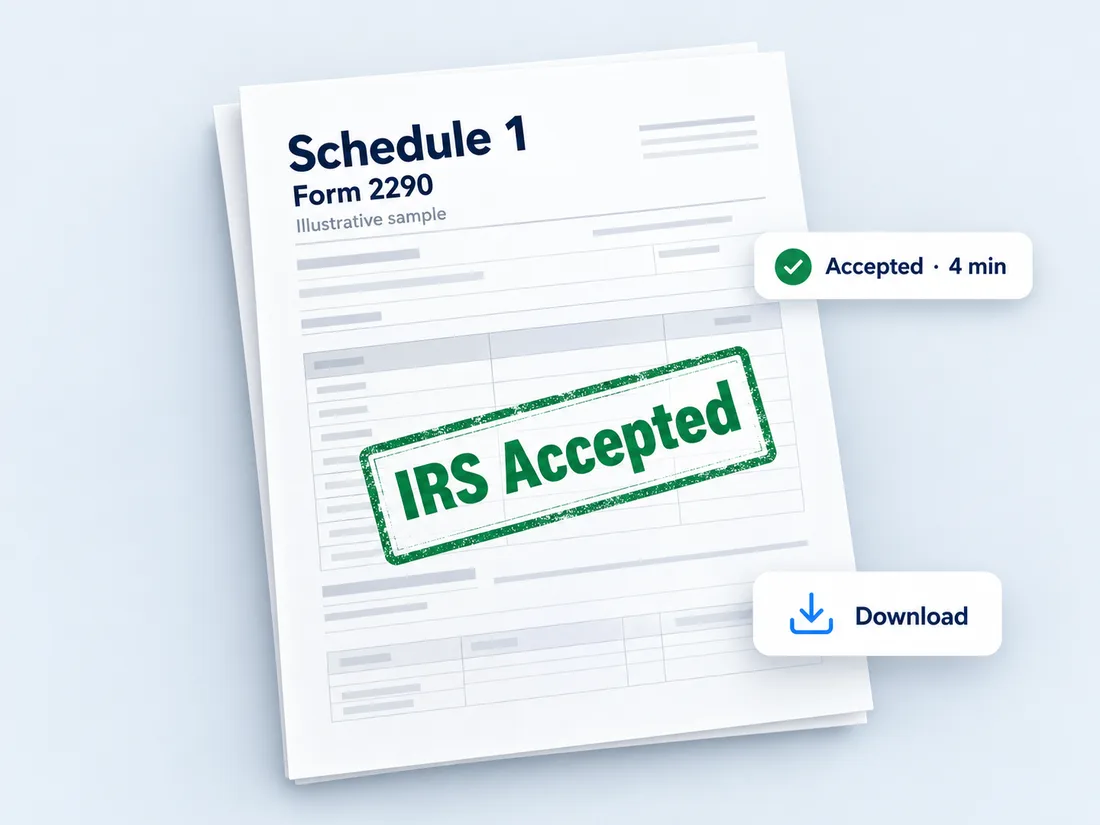
After IRS acceptance, access and download your stamped Schedule 1 from your 2290.US account.
Filing costs depend on how many vehicles you include in your return. Choose the filing option that fits your needs.
Starting price for filing Form 2290 for one vehicle.
Report multiple trucks in a single filing using bulk vehicle entry and volume-based pricing.
Manage multiple vehicle filings through one account and simplify your annual HVUT filing workflow.
The 2290.US e-filing fee is separate from any HVUT tax amount owed directly to the IRS.
Here are some of the reasons truck owners, fleet operators, and tax professionals use 2290.US to e-file 2290.
File IRS Form 2290 online for one truck, multiple vehicles, or client returns. Pricing starts at $7.49.
Once the IRS accepts your return, your IRS-stamped Schedule 1 can be available electronically through your account within minutes.
Handle a single vehicle or multiple trucks from one account.
Entered the wrong VIN on an accepted return? You can file a correction through 2290.US.
Keep your business details, vehicle information, and filing records securely organized in your account.
Review vehicle information, prepare your return, and access your accepted filing documents from your account.
Once the IRS accepts your Form 2290, the IRS-stamped Schedule 1 provides proof of HVUT payment that may be required for registering or renewing a taxable heavy highway vehicle.
Access your accepted Schedule 1 electronically through 2290.US for:
You generally need Form 2290 if a highway motor vehicle has a taxable gross weight of 55,000 pounds or more and is registered, or required to be registered, in your name when it is first used during the tax period.
File Form 2290 for your truck and get the Schedule 1 you may need for registration or tag renewal.
Manage Form 2290 filings for multiple vehicles and keep filing information organized.
Prepare and e-file Form 2290 returns for eligible clients.
If HVUT is due, have your preferred IRS payment method ready.
Find answers to common filing questions and explore related Form 2290 services.
Answers to common questions about Form 2290, electronic filing, and Schedule 1.
Form 2290 is used to report and pay federal Heavy Highway Vehicle Use Tax (HVUT) on taxable highway motor vehicles with a taxable gross weight of 55,000 pounds or more. It is also used to report vehicles for which the tax is suspended.
Yes. Form 2290 can be submitted electronically through a provider participating in the IRS e-file program. The IRS lists 2290.US as a 2026 Form 2290 Modernized e-File provider.
Your stamped Schedule 1 can be accessed within minutes after the IRS accepts an electronically filed return.
No. An Employer Identification Number (EIN) is required to file Form 2290. A Social Security Number cannot be substituted.
Yes. The IRS-stamped Schedule 1 is used as proof of payment for registering a taxable vehicle unless a specific exception applies.
File your HVUT return online, submit it to the IRS, and access your IRS-stamped Schedule 1 after acceptance.
IRS-authorized Form 2290 e-file provider · Secure online filing · Starting at $7.49